How to Toggle Features On/Off in IMPACT
Discover efficient techniques for toggling features on and off in IMPACT, enhancing workflow flexibility and user experience.
📽 Check out our video tutorial on how to how to toggle features on/off in IMPACT
📝 Here is a step-by-step guide on toggling features on/off in IMPACT
- Navigate tohttps://app.plai.team
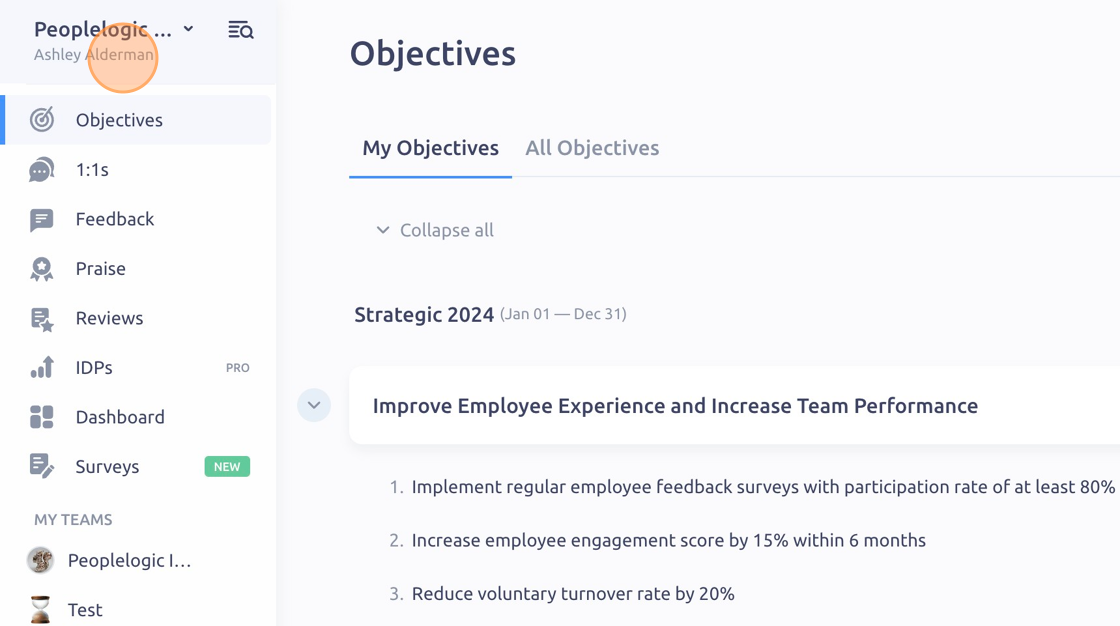
- Click the drop down menu under your workspace name
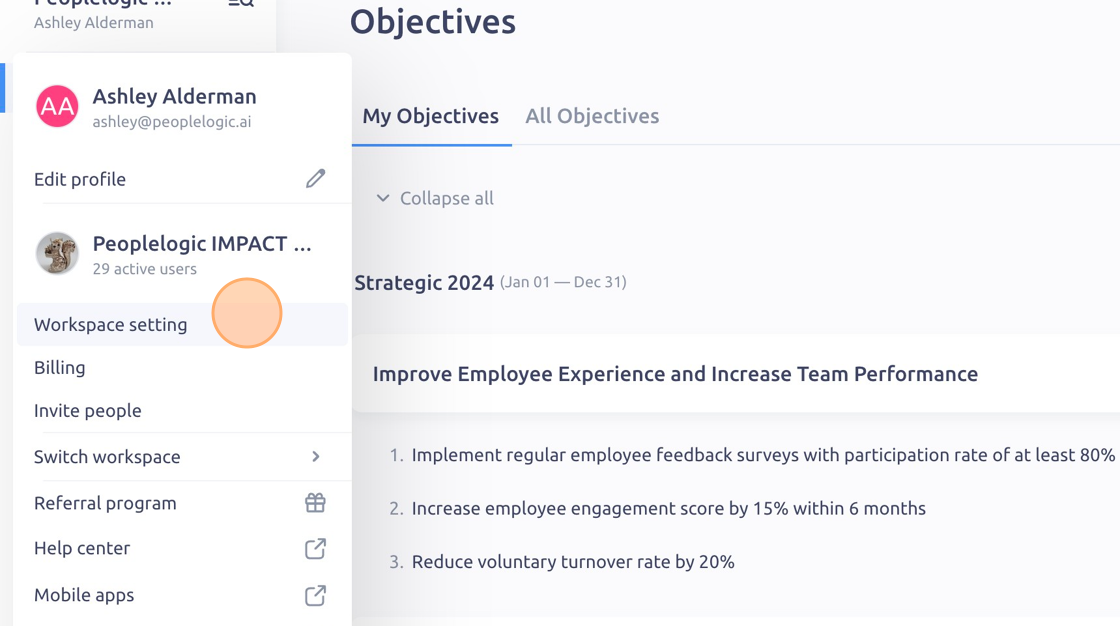
- Click "Workspace setting"
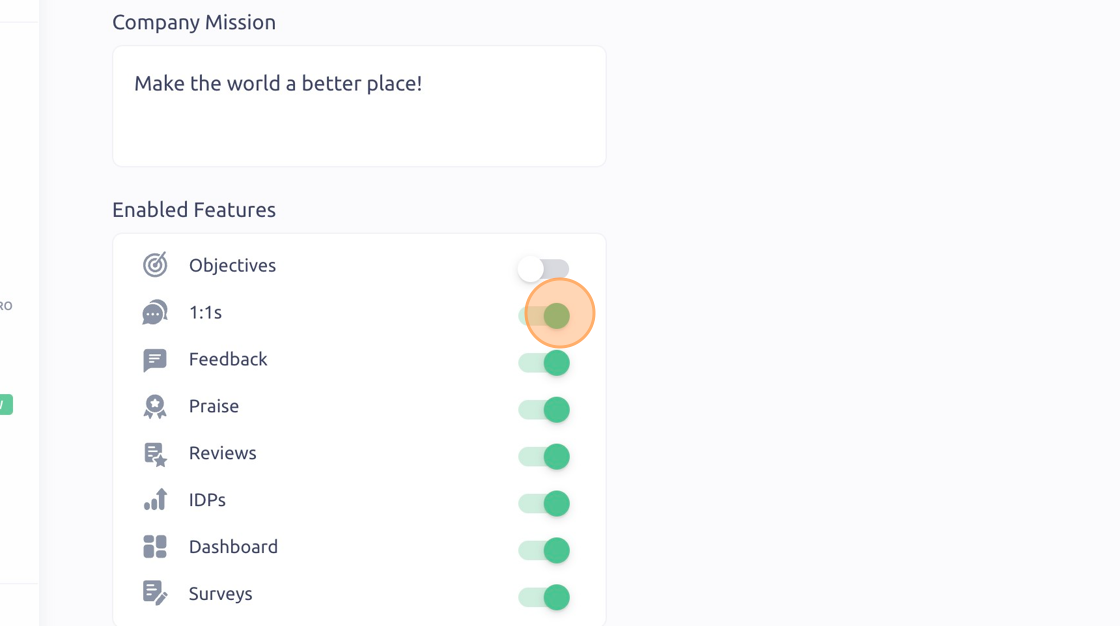
- Click the toggle buttons to turn features on (green) or off (gray)
- Click "Save"

To see it in action, please visit Peoplelogic Learn.
Updated on: 07/05/2026
Thank you!