Exporting & Sharing Review Cycles
Discover seamless methods for exporting and sharing review cycles in IMPACT, facilitating collaborative feedback and enhancing organizational transparency.
📽 Check out our video tutorial on exporting review cycle data in IMPACT
📝 Here is a step-by-step guide on exporting and sharing review responses in IMPACT
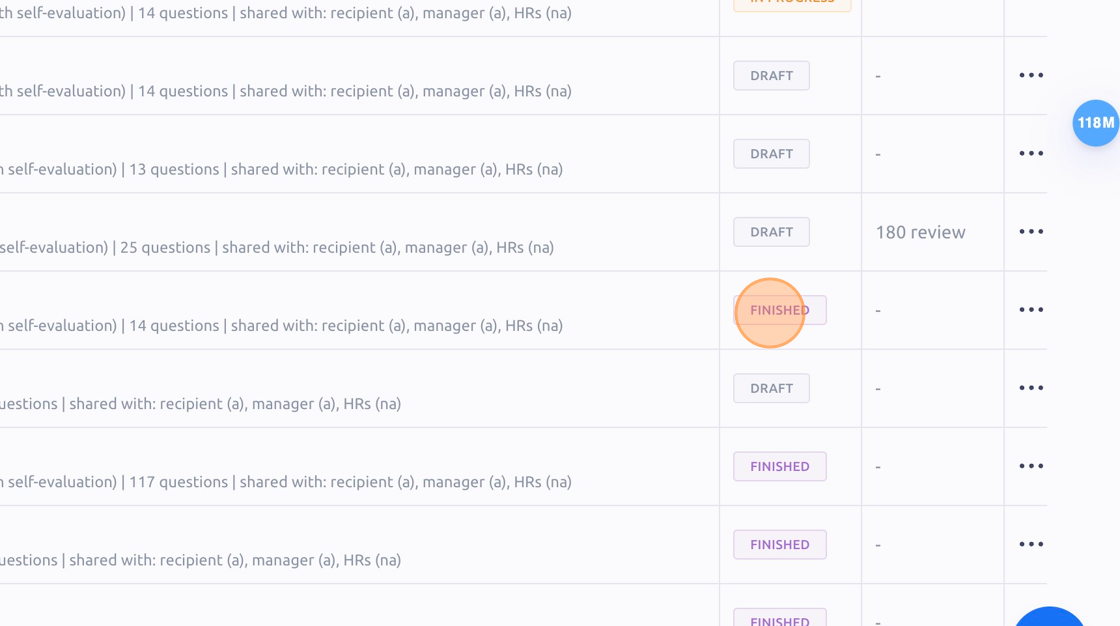
Find a review cycle that has a "FINISHED" status and click it.
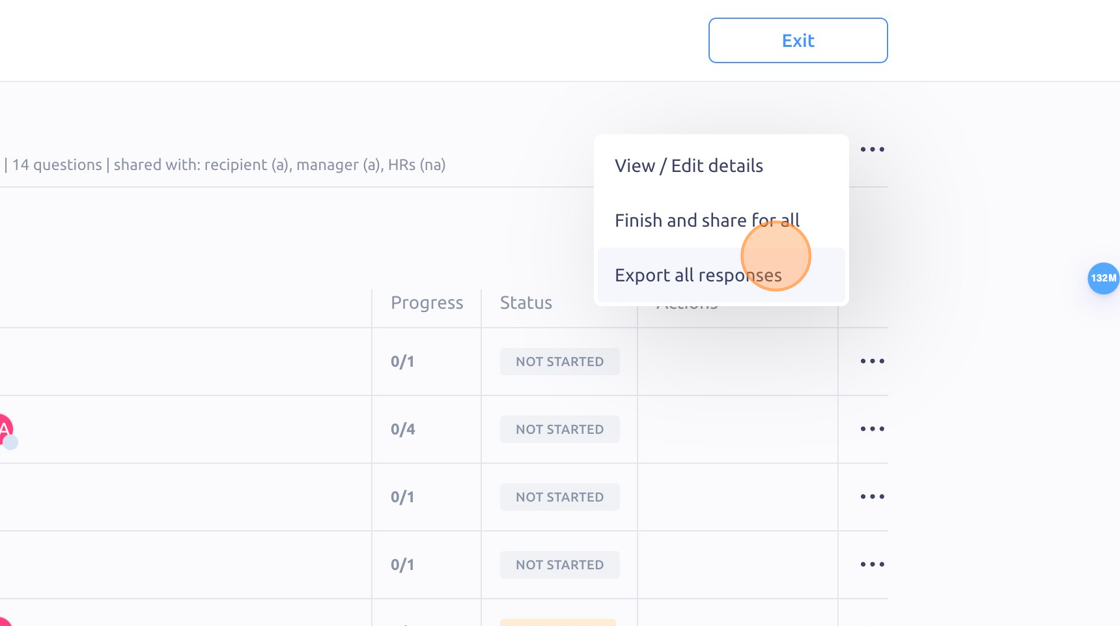
Click the "3 dots" icon on the upper right of the review results progress page.
Then click "Export all responses" to download a .CSV file of your review responses.
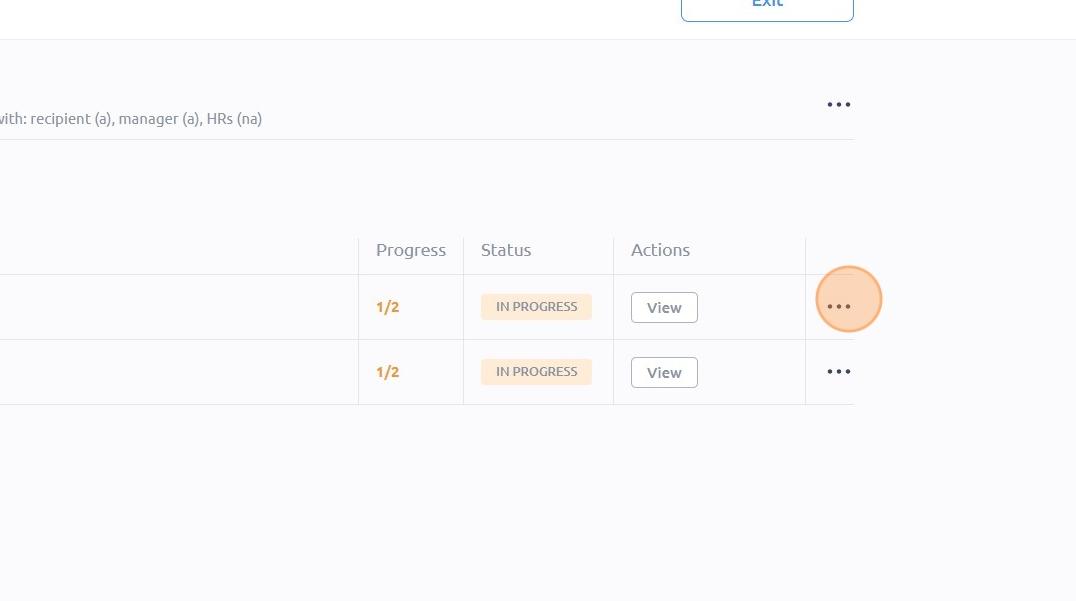
If you only want to export or share a specific set of responses, click here.
To see it in action, please visit** Peoplelogic Learn**.
Updated on: 07/05/2026
Thank you!