How to Add New Employees to Existing Teams in IMPACT
Need more hands on a project? We got you. With IMPACT, you can easily add new employees to existing teams.
📽 Check out our video tutorial on adding new employees to existing teams in IMPACT
📝 Here is a step-by-step guide on how to add new employees to existing teams in IMPACT
- Navigate tohttps://app.plai.team/
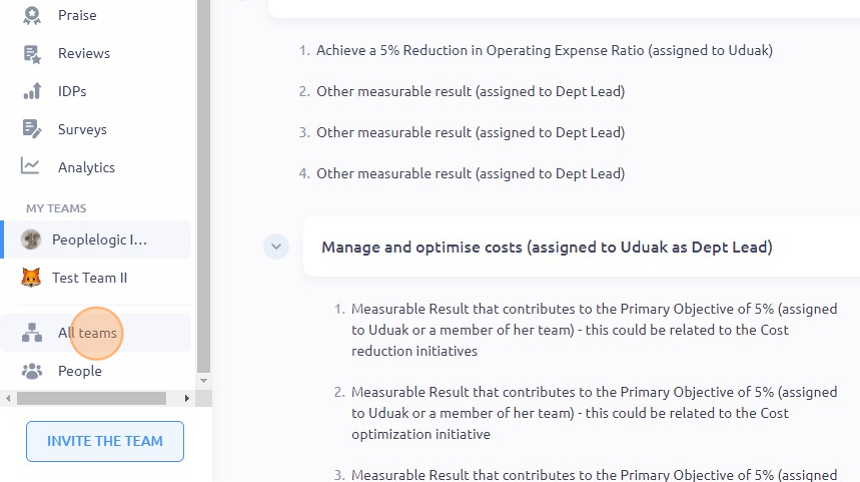
- On the left-side panel, click "All teams"
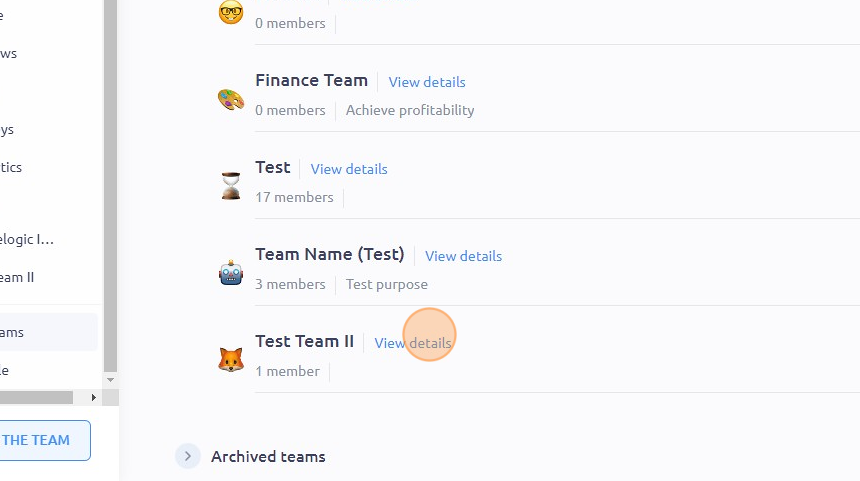
- Navigate to the team you want to edit and click "View details"
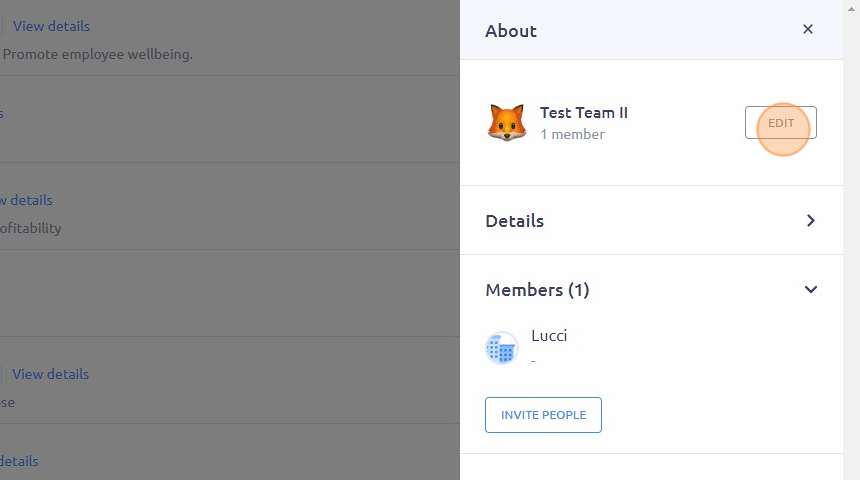
- Click "EDIT"
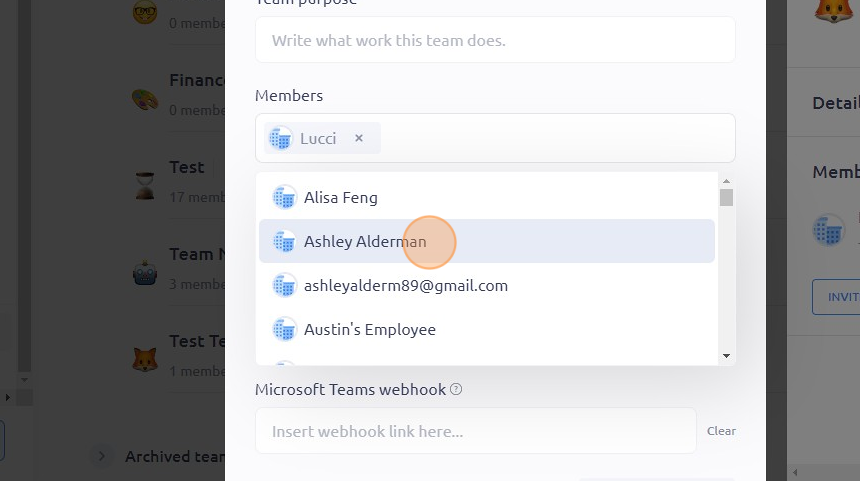
- Click on the field under "Members"
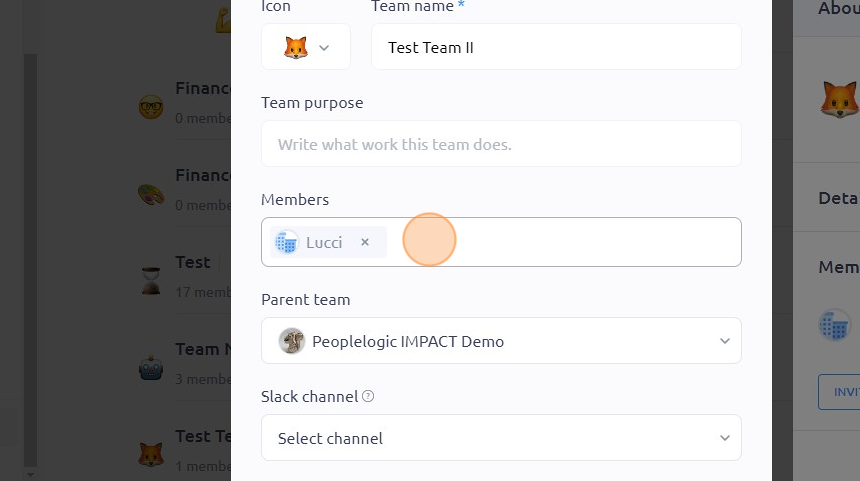
- From the drop-down menu, choose the employee you want to add to the team
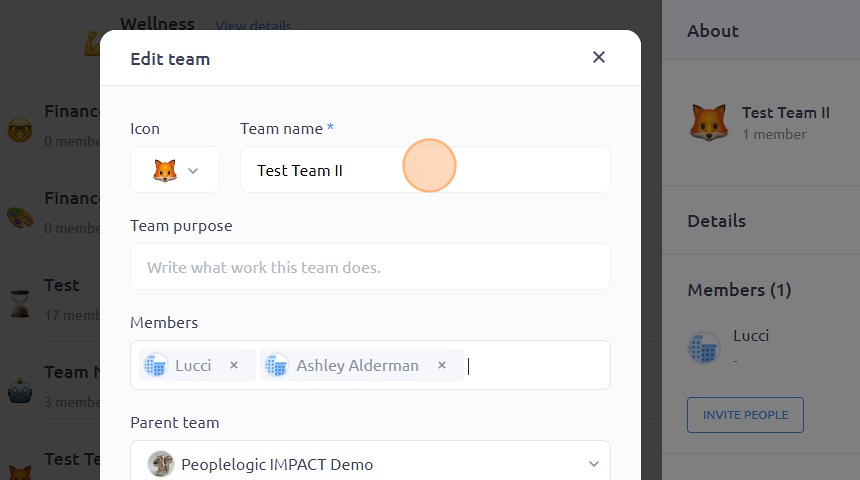
- You can also do other changes such as modifying the team name or team purpose by clicking on the respective fields
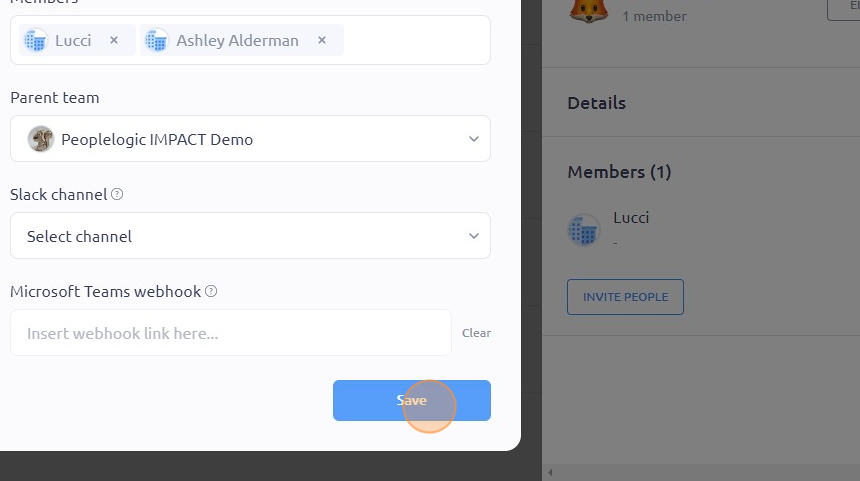
- Once done, click "Save"
To see it in action, please visit Peoplelogic Learn.
Updated on: 07/05/2026
Thank you!