Editing or Deleting a 1:1 Meeting
The ability to delete or edit meetings is essential for maintaining a well-organized schedule and adapting to changing priorities.
📽 Check out our video tutorialon how to delete or edit a meeting.
📝 Here is a step-by-step guide in deleting a 1:1 meeting:
1. Navigate to** https://app.plai.team/**
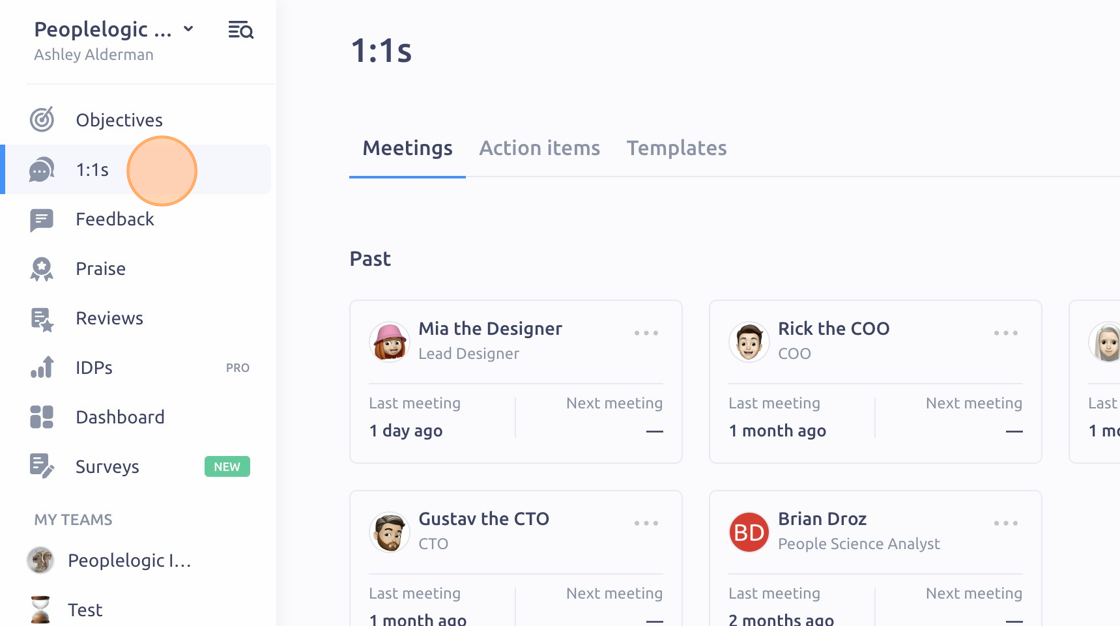
2. Click "1:1s"
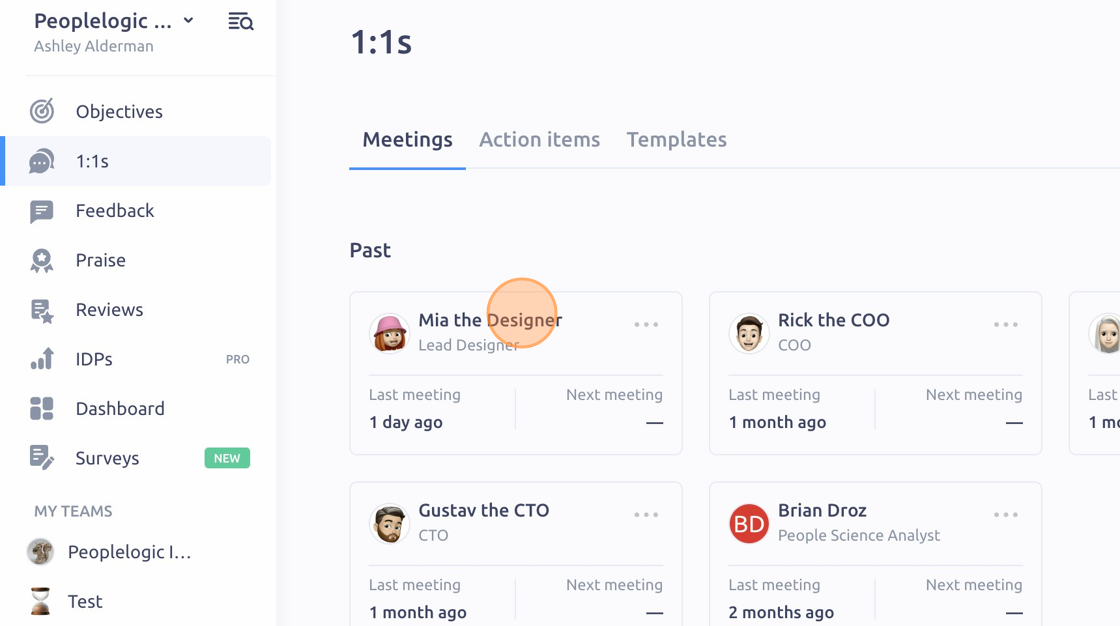
3. Click the meeting you want to delete
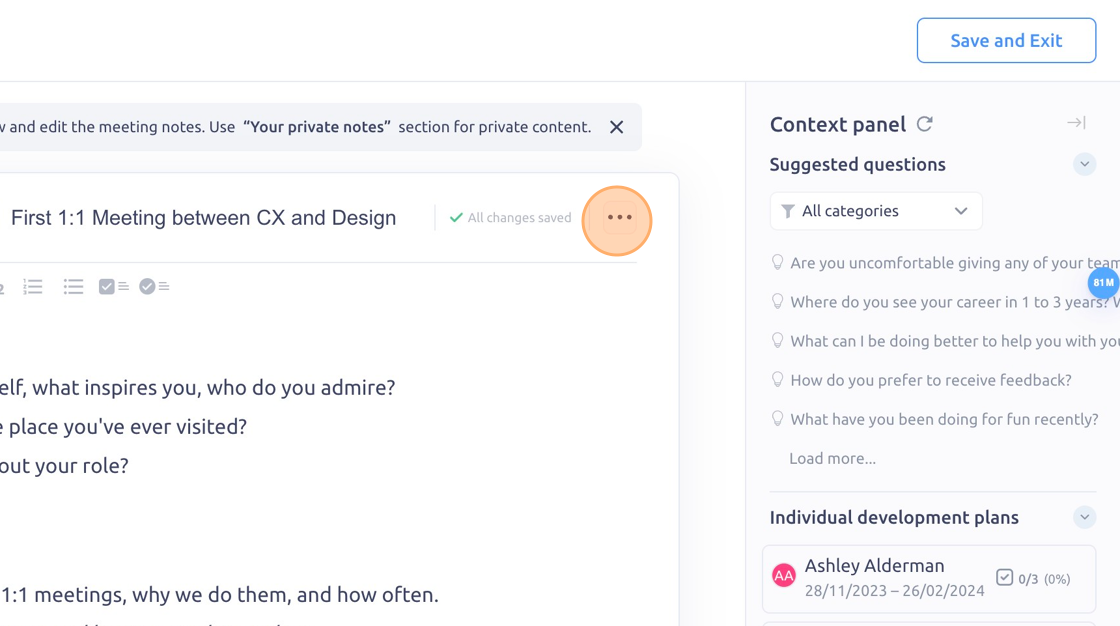
4. Click the 3 dot icon
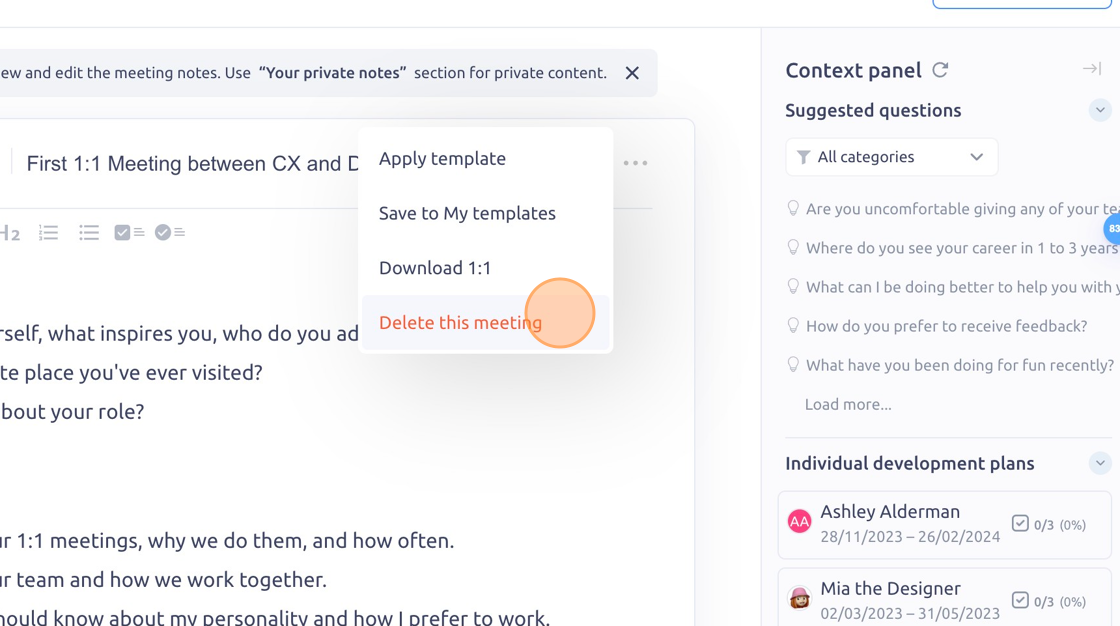
5. Click "Delete this meeting"
6. Click "Delete"
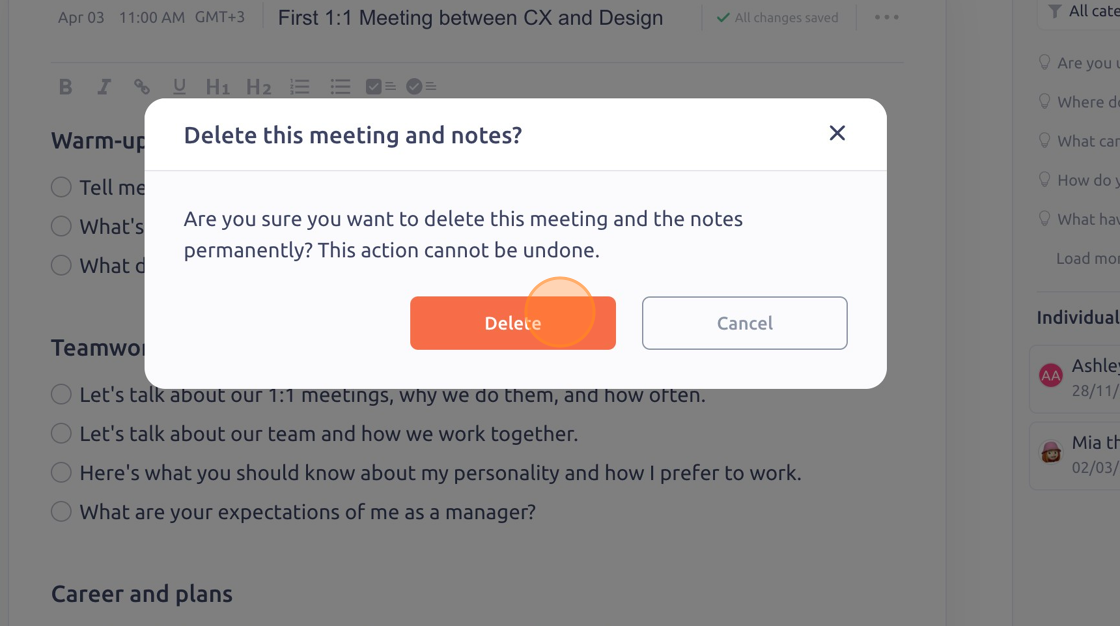
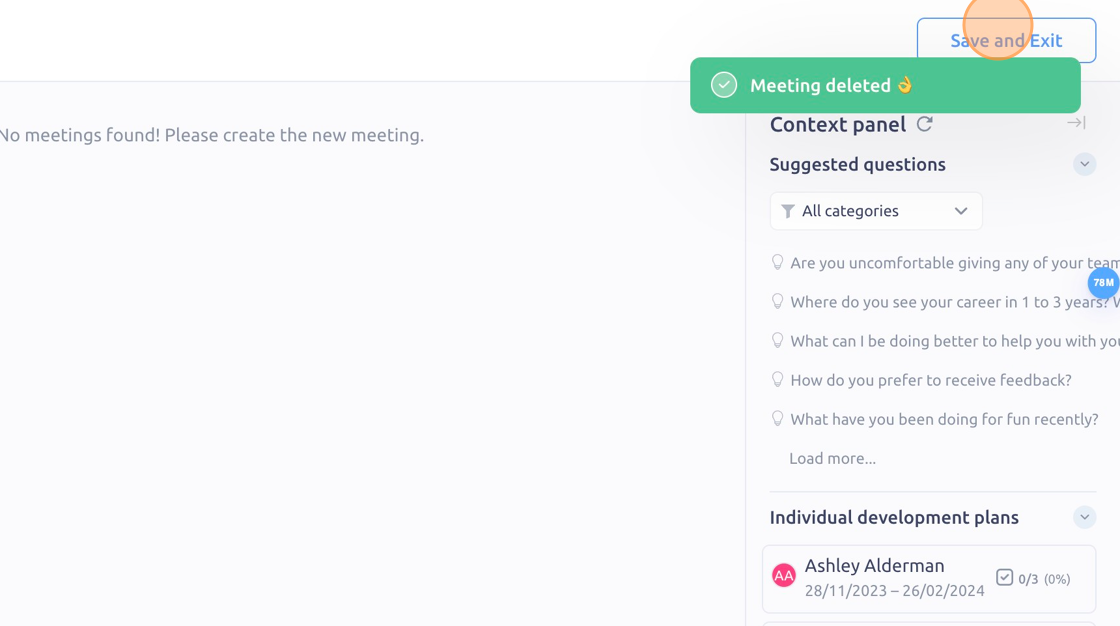
7. Click "Save and Exit"
To see it in action, please visit** Peoplelogic Learn**.
Updated on: 07/05/2026
Thank you!