Easy Ways to Give Praise
Praise is most effective when it's public. Let everyone see the most prominent achievements with the company and team dashboard.
📽 Check out our video tutorial on how to give praise in IMPACT.
📝 Here is a step-by-step guide on how to give praise in IMPACT:
- Navigate tohttps://app.plai.team/
- Click "Give praise"

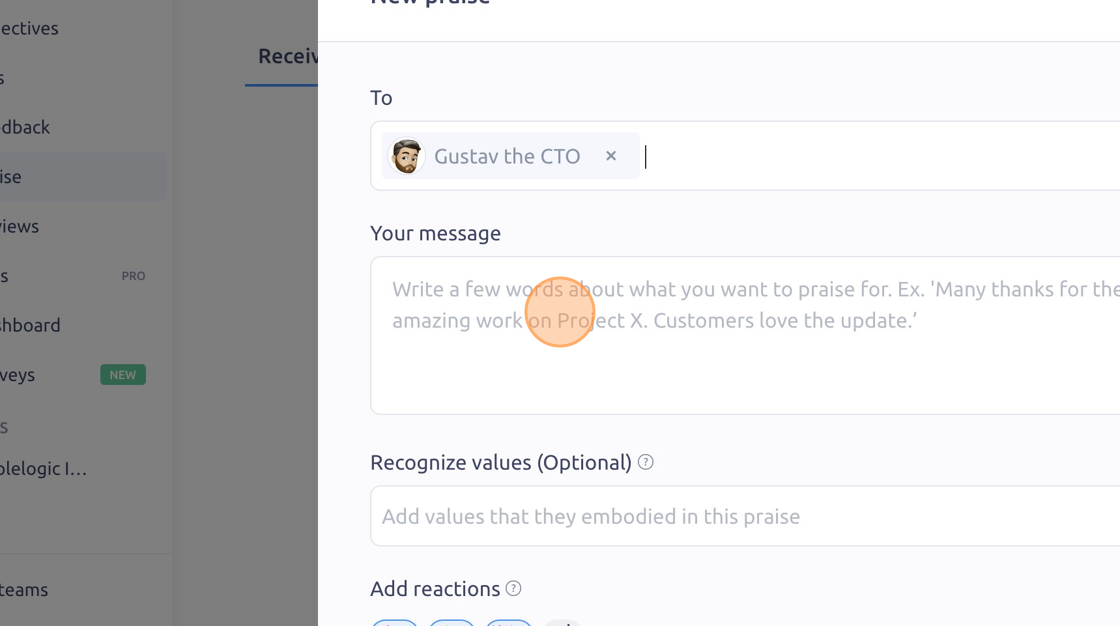
- Click "Select the person (or up to 19 people) you want to give praise to."
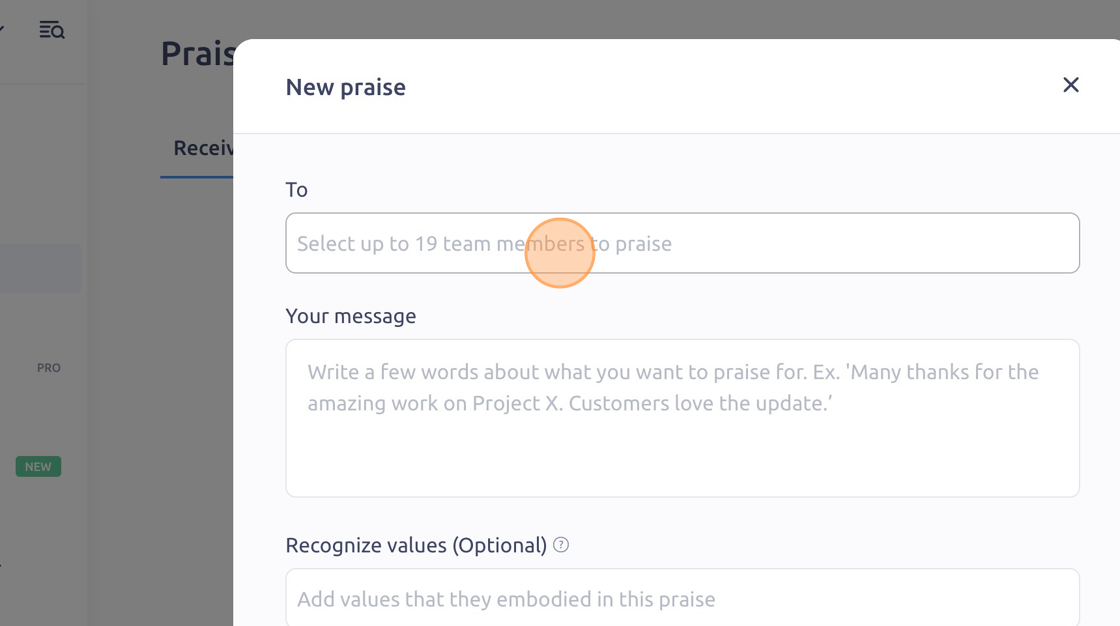
- Click the "Message field" and write your recognition.
- Click "Recognize Value" to add values that they embodied
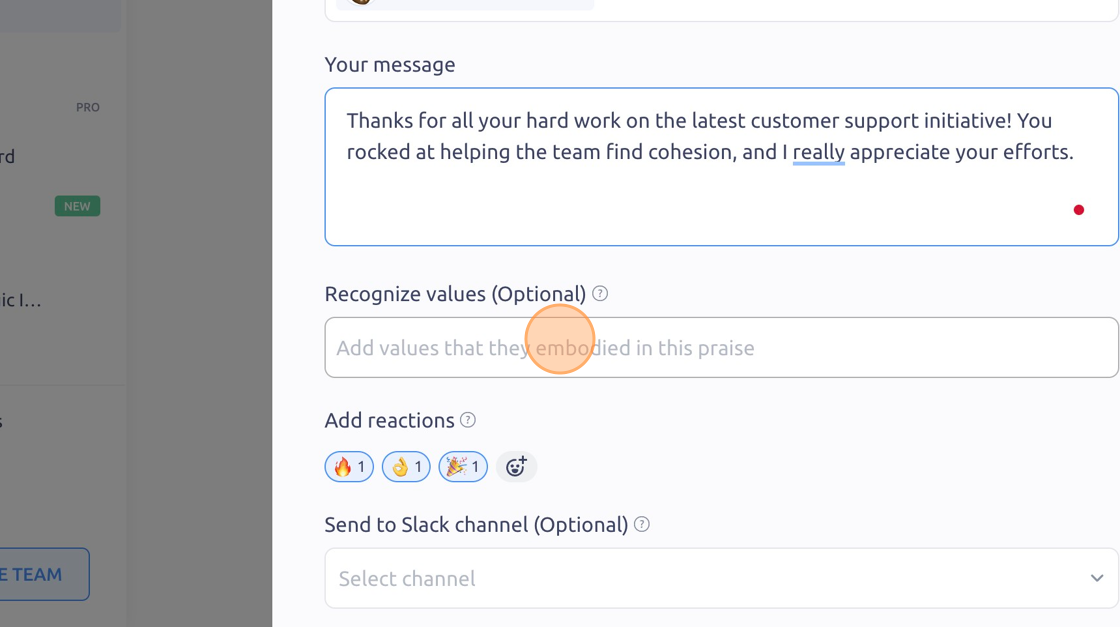
- Click "Emojis" to change or add personalized reactions

- Click "Send to Slack Channel" and choose the channel you want to push your praise to

- Click "Give Praise" to complete

To see it in action, please visit Peoplelogic Learn.
Updated on: 07/05/2026
Thank you!