Adding Notes to OKRs
You also have the option to write notes in your OKRs to remind yourself and your teammates about various details.
📽 Check out our video tutorial on adding notes to OKRs in IMPACT
📝 Here is a step-by-step guide on how to add notes to OKRs in IMPACT
- Navigate tohttps://app.plai.team/
- On the upper left-side panel, click "Objectives" and navigate to the OKR you want to add notes to

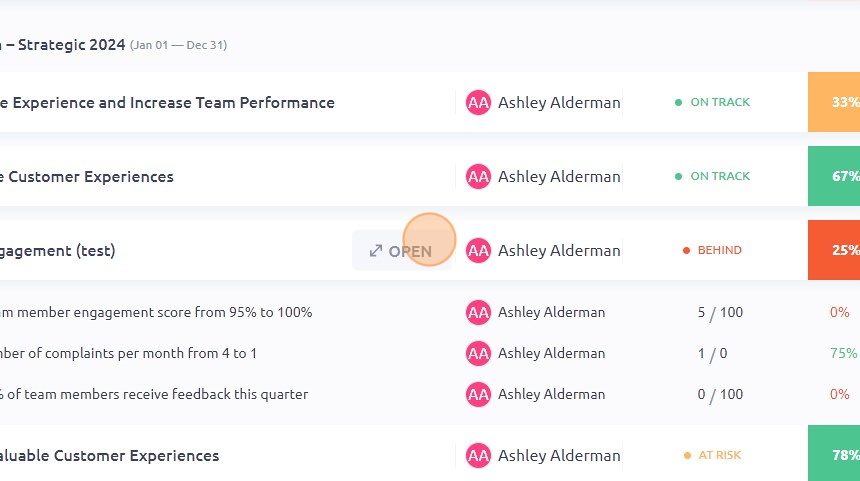
- Click "OPEN"
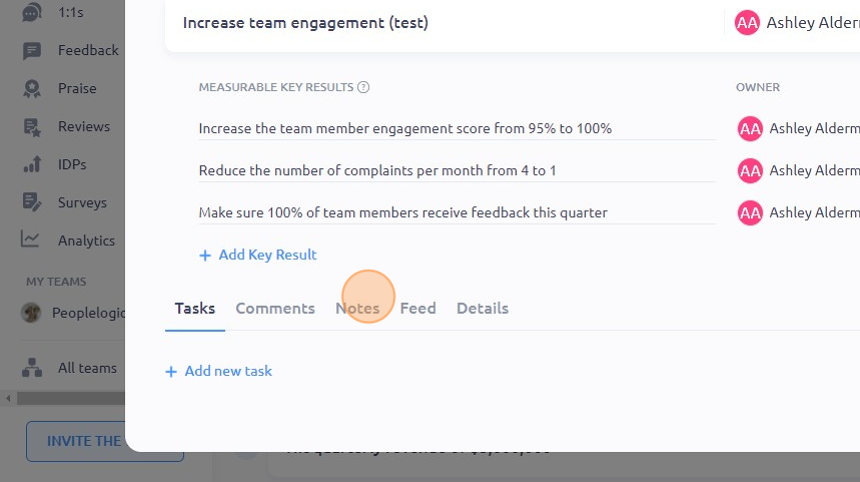
- On the bottom part of the window, click "Notes"
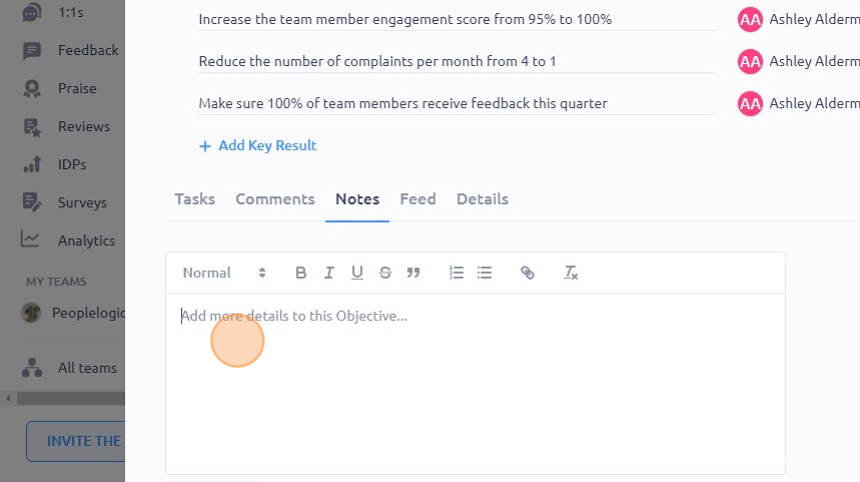
- Type in the notes you want to add
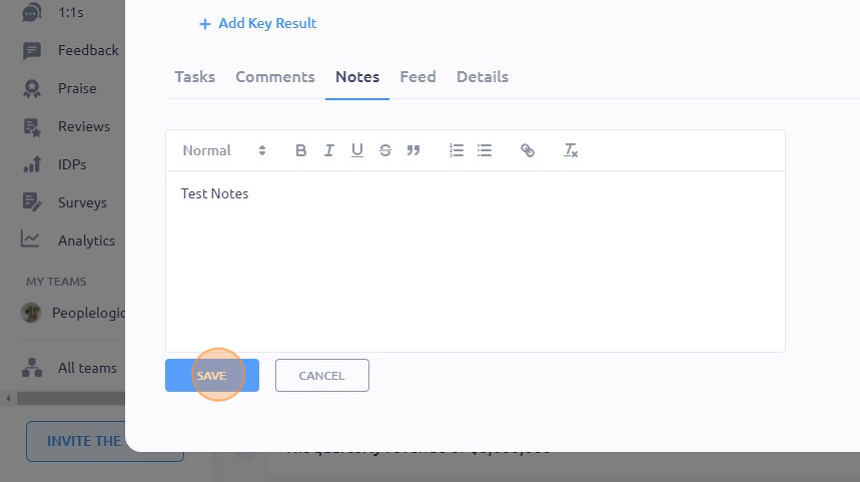
- Click "SAVE"
To see it in action, please visit Peoplelogic Learn.
Updated on: 07/05/2026
Thank you!