Connecting your Slack workspace to a different Nova workspace
Last updated: April 22, 2025
Whether you're just installing Nova for Slack for the first time or you'd like to connect to a different Nova workspace (maybe you're working with multiple clients?), it's easy to switch the workspace that you're connected to.
If Nova for Slack is already installed, just type:
/nova-connect-workspace
Hit Enter or Return and you'll see:
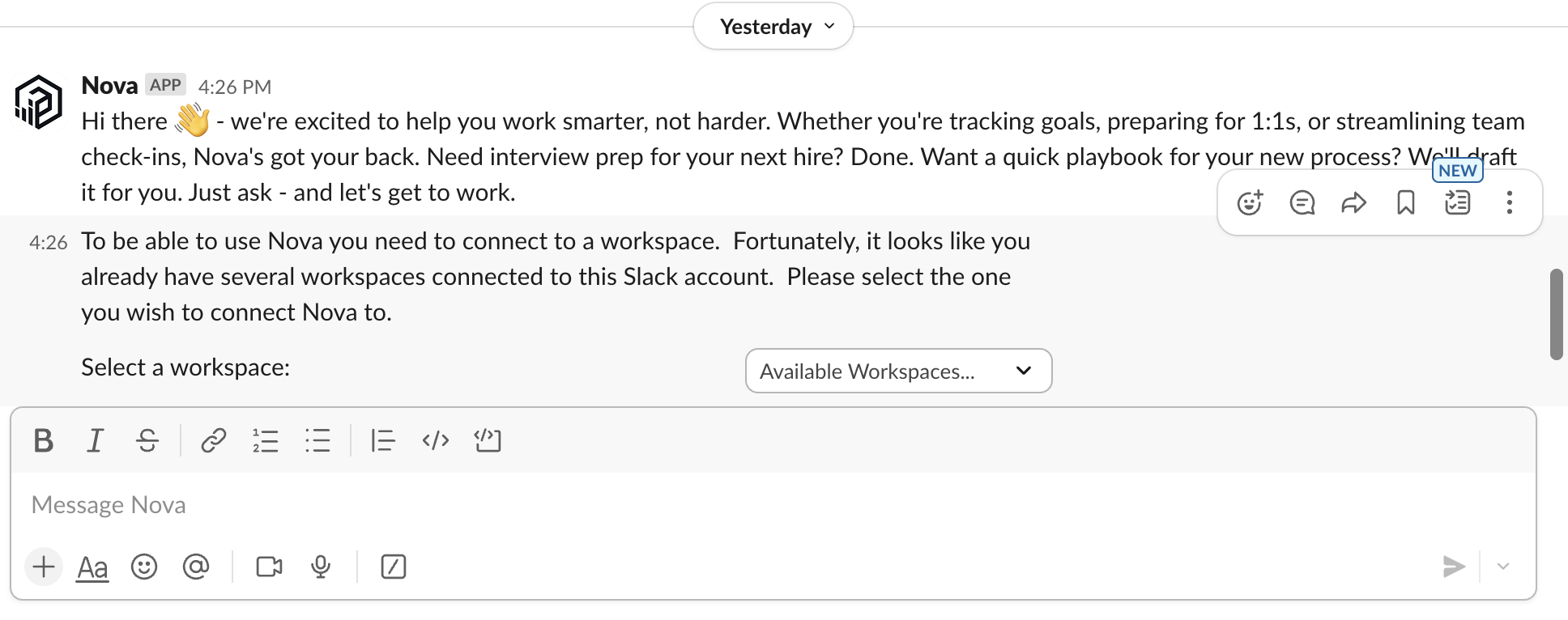
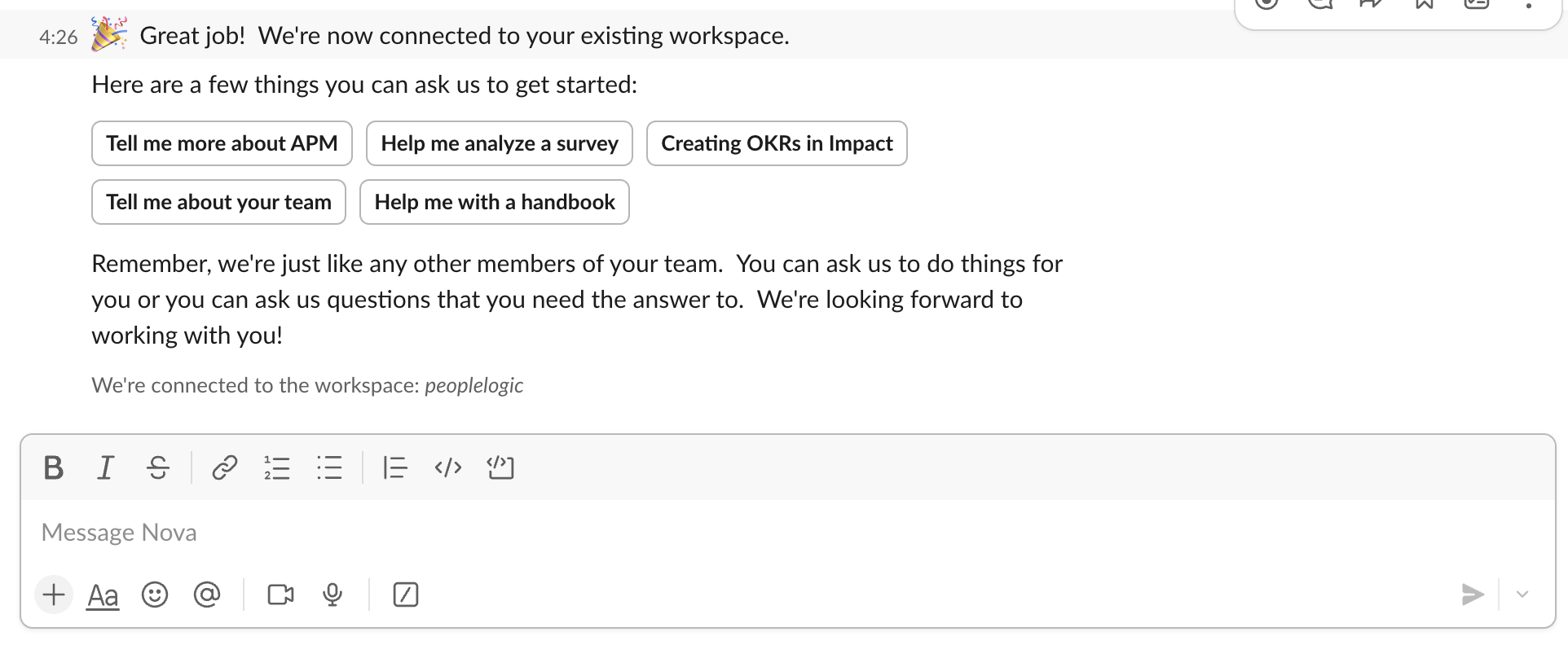
Just select from the available workspaces and you're off to the races!
💡 Pro Tip
Once you connect your Slack workspace and your Nova workspace, you'll see your Slack conversations show up in your Nova workspace.