Understanding goal performance
Overview:
Nova simplifies OKR tracking by analyzing goal progress from uploaded files. With clear insights into progress, blockers, and completion rates, you can ensure teams stay aligned and productive.
Upload OKR Data:
- Upload your OKRs in CSV or Excel format.
- Ensure the file includes the following columns:
- Objective Name
- Key Result Description
- Owner (Employee or Team)
- Current Progress (% completion)
- Status (On Track, At Risk, Off Track)
- Due Date
Example Prompt: Upload Q1 OKRs for analysis.
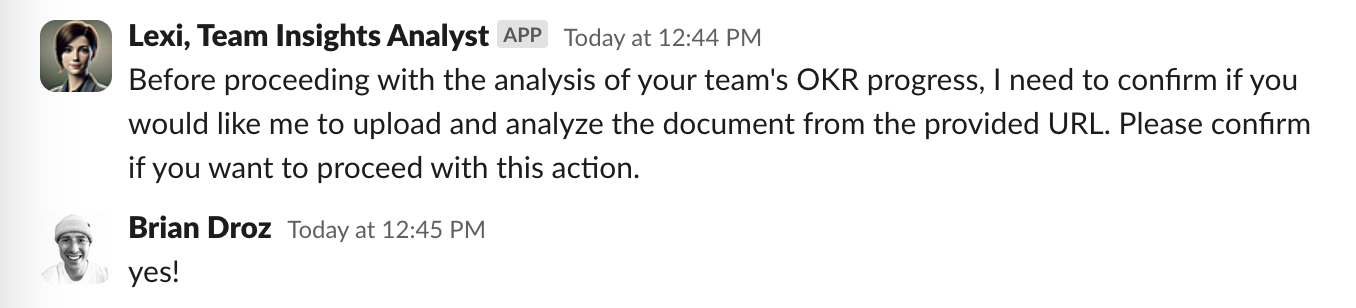
Expected Output: Nova processes the OKRs and highlights progress, risks, and stalled goals.
1\. Overall Summary
2\. OKR or Goal Cycle Insights (ex. Q3 or Q4 cycles)
3\. Key Observations and Recommendations
Potential Follow-ups:
Follow- Up Prompt: Which goals are on track and which are at risk?
Follow-Up Prompt : Show me progress by team.
Follow-Up Prompt: What should I discuss with my team based on our current OKR progress?
Follow-Up Prompt: Draft Q2 OKRs based on current/past progress.
Updated on: 07/05/2026
Thank you!